
Ticket Translator Module
Module allows to translate customers’ messages and replies sent by agents into the language of your choice. Translations are performed via Google Translate. Module can automatically detect customer language.
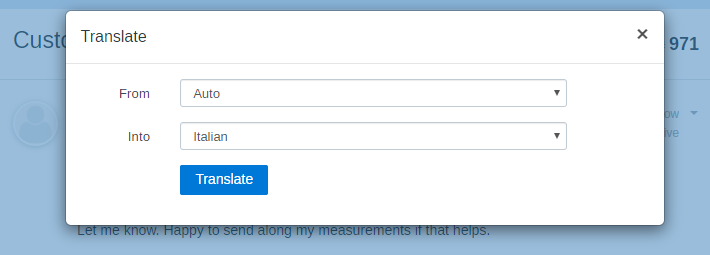
Translating Messages
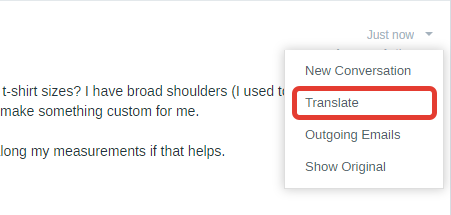
To translate customer’s or support agent’s message, just click “Translate” in the dropdown menu.
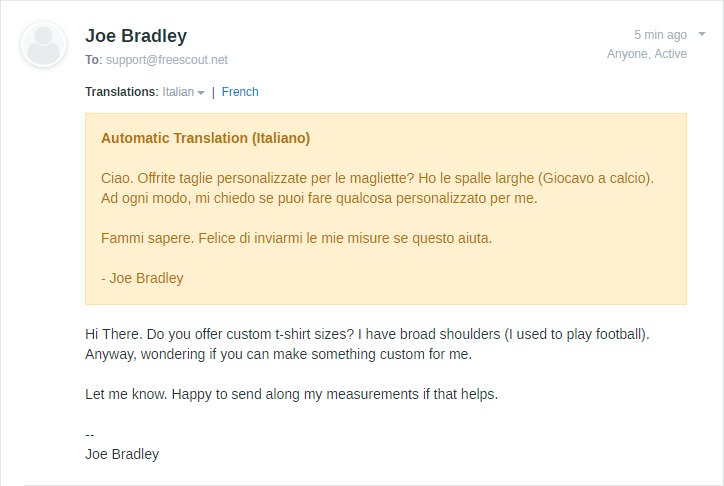
After translation is done, you or any other support agent can view it right above the original message:
Translating Your Replies
When replying (or creating a new conversation), use the Globe icon ( ) on the toolbar to instantly translate your message into customer’s language.
Translating Customer Messages Automatically
In “Manage » Settings » General” you can configure incoming messages from customers to be automatically translated into the language of your choice:
